Opening a dental practice is one of the most exciting — and overwhelming — things you'll do in your career. There's a thousand things to figure out, and most of the "new practice checklists" online are written by consultants trying to sell you something.
This one is written by a dentist who's done it. Here's what you actually need, in the order you need it.
1. Business entity and legal
Before you spend a dollar on anything else:
- Form your legal entity — LLC or PLLC depending on your state. Talk to a dental-specific attorney, not a general business lawyer.
- Get your EIN from the IRS (free, takes 5 minutes online)
- Open a business bank account — keep personal and practice finances completely separate from day one
- Get malpractice insurance — shop around. Rates vary wildly.
- Business insurance — general liability, property, workers' comp once you hire
Don't skip this. Getting the legal structure right from the start saves you headaches (and money) later.
2. Location and build-out
- Negotiate your lease before signing anything. Dental leases are different from retail leases — get a dental-specific broker or attorney to review.
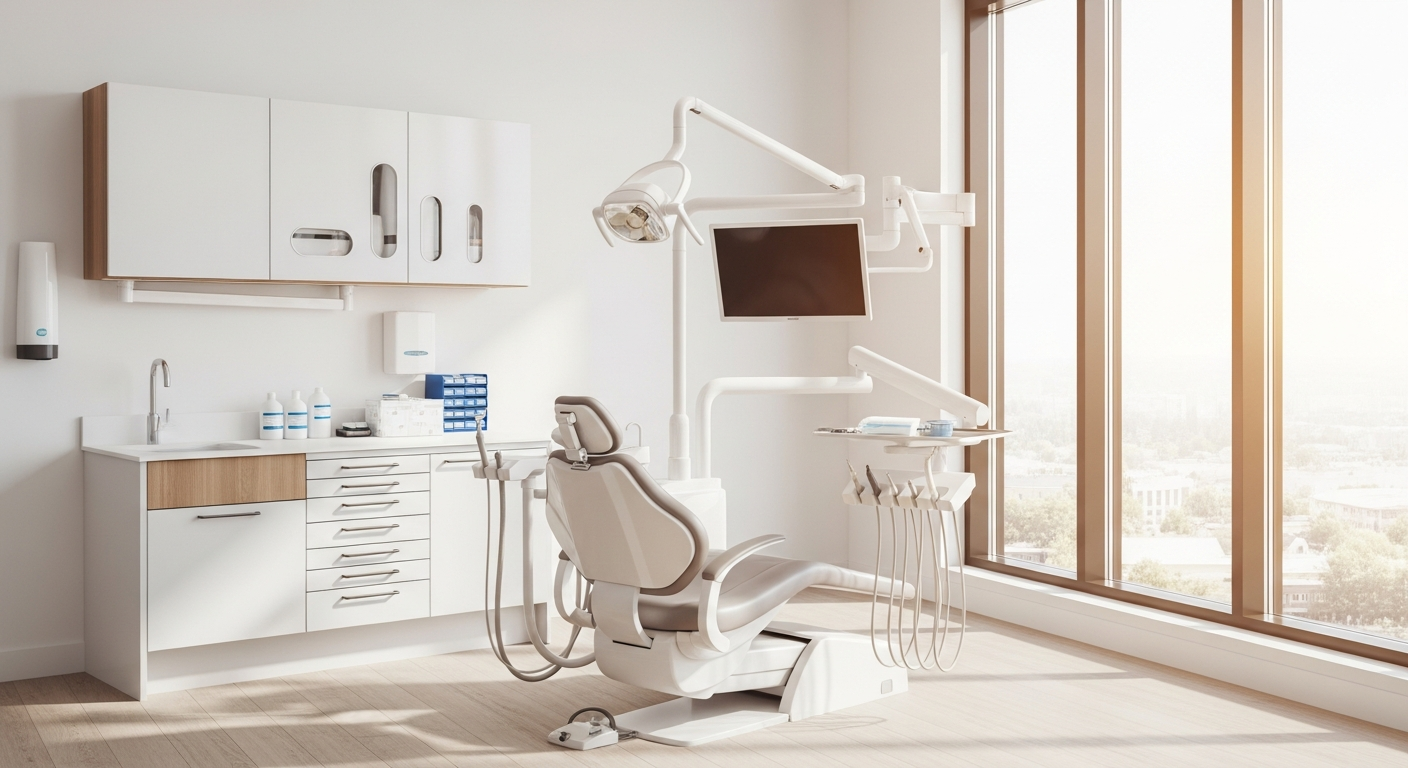
- Plan your operatory count based on your 3-year growth plan, not your day-one volume. Building out an extra op now is 10x cheaper than adding one later.
- Hire a dental-specific contractor — they know plumbing, vacuum, and compressor requirements. A general contractor will learn on your dime.
- Order equipment early — chairs, lights, units, and sterilization equipment have 8-12 week lead times
3. Credentialing and insurance
Start this immediately — credentialing takes 60-120 days and you cannot see insured patients until it's done.
- Get credentialed with every major payer in your area — Delta Dental, MetLife, Cigna, Aetna, Guardian, United Healthcare
- Apply for your NPI number if you don't already have one
- Register with your state dental board
- Set up a clearinghouse for electronic claims — or choose a PMS that handles claims natively (more on that below)
The number one mistake new practices make is starting credentialing too late. Start the day you sign your lease.
4. Practice management software
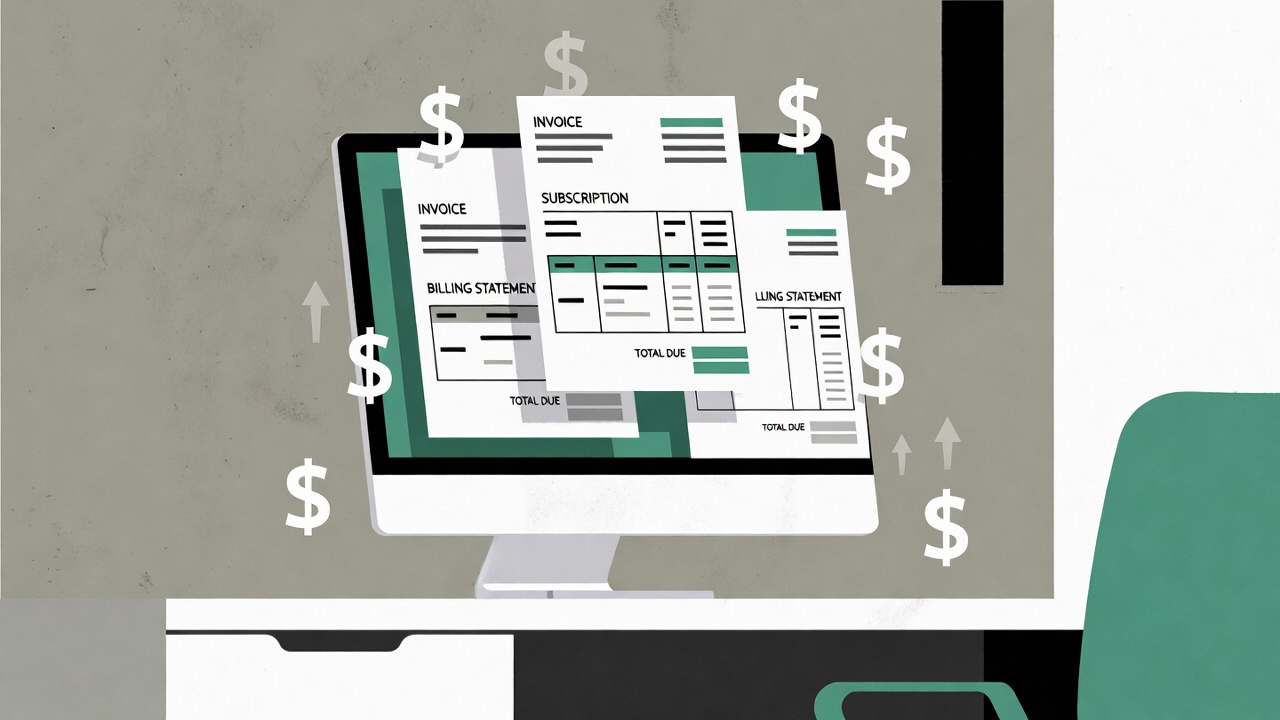
This is the backbone of your entire operation. Every person in your practice will use it every day. Choose carefully.
What to look for:
- Cloud-based — no server to buy, maintain, or replace. Access from anywhere.
- Flat pricing — avoid per-provider pricing. It penalizes you for growing.
- All-in-one — charting, scheduling, communication, insurance, analytics, forms, and payments in one platform. Every separate tool is another monthly bill and another integration to manage.
- Mobile app — you will want to check your schedule, review charts, and message your team from your phone. If the PMS doesn't have a mobile app, you'll be chained to your office computer.
What to avoid:
- Per-operatory or per-provider pricing — your software bill should not go up every time you hire
- Server-based systems — it's 2026. You don't need a server room.
- Systems that require add-ons for basic features — if texting, forms, analytics, or insurance verification costs extra, you're buying a platform from 2010
Your PMS choice is one of the few decisions that's genuinely hard to reverse. Take the time to demo multiple options before committing.
5. Patient communication
Your patients expect to text your office, book online, and fill out forms on their phone. If you're making them call to schedule and handing them a clipboard when they walk in, you're already behind.
You need:
- Two-way texting — appointment confirmations, reminders, and patient questions
- Online booking — patients should be able to book from your website at 10 PM
- Automated reminders — reduce no-shows by 30-50%
- Digital intake forms — patients complete them on their phone before they arrive
- Reputation management — automatically request Google reviews after visits
Some PMS platforms include all of this. Others require you to buy Weave ($250+/mo), Doctible, or similar add-ons on top of your PMS.
6. Website
You need a website before you open. It doesn't need to be fancy — it needs to:
- Show up on Google when someone searches "[your specialty] dentist near me"
- Have your address, phone number, and hours clearly visible
- Let patients book online
- Look professional on mobile (most visits will be from phones)
Don't spend $5,000-10,000 on a custom dental website until you have patients. A clean, simple site with online booking is enough to start.
7. Staffing
At minimum for a solo practice opening day:
- 1 dental assistant — your clinical right hand
- 1 front desk / office manager — handles scheduling, insurance, patient communication
- You — the dentist
That's it. Three people can run a practice. Hire more as patient volume justifies it — not before.
Tips:
- Hire for attitude, train for skill. A great front desk person who's never used dental software is better than a mediocre one who "knows Dentrix."
- Your first hire is your most important. They set the culture.
- Don't hire a hygienist until you're consistently booked 3+ weeks out.
8. Supplies and vendors
- Dental supplies — set up accounts with Schein, Patterson, or Benco. Shop prices — they're negotiable.
- Lab — find a reliable lab for crowns, dentures, and appliances before you need one urgently
- IT — if you're cloud-based, you need very little. A good router, a reliable internet connection (get a backup), and workstations. That's it.
9. Marketing (to get your first patients)
- Google Business Profile — set this up immediately. It's free and it's how most patients will find you.
- Google Ads — target "[specialty] dentist [city]" keywords. Even $20-30/day gets you in front of people actively searching.
- Insurance directories — once credentialed, make sure you're listed in every payer's provider directory
- Ask friends and family to leave Google reviews — your first 10 reviews matter more than the next 100
- Social media — post photos of your new office, your team, your build-out journey. People love following a new practice story.
Don't spend money on print ads, direct mail, or SEO agencies yet. Google Ads + Google Business Profile + insurance directories will get you your first 100 patients.
10. Opening day mindset
Your first month will be slow. That's normal. Every successful practice started with empty chairs. Use the quiet time to:
- Perfect your workflows
- Train your team thoroughly
- Fix the things that aren't working
- Build relationships with the patients who do come in — they become your referral engine
The practices that succeed aren't the ones that opened with a full schedule. They're the ones that treated every early patient so well that they told everyone they knew.
Opening a new practice? Ayla offers a free custom website design for new practices plus all-in-one practice management software starting at $499/mo. Book a demo to see how it works.
Dr. Ninus Ebrahimi
Founder, Ayla · Pediatric Dentist
Practicing pediatric dentist and founder of Ayla. Building the dental software he wished existed — one feature at a time.